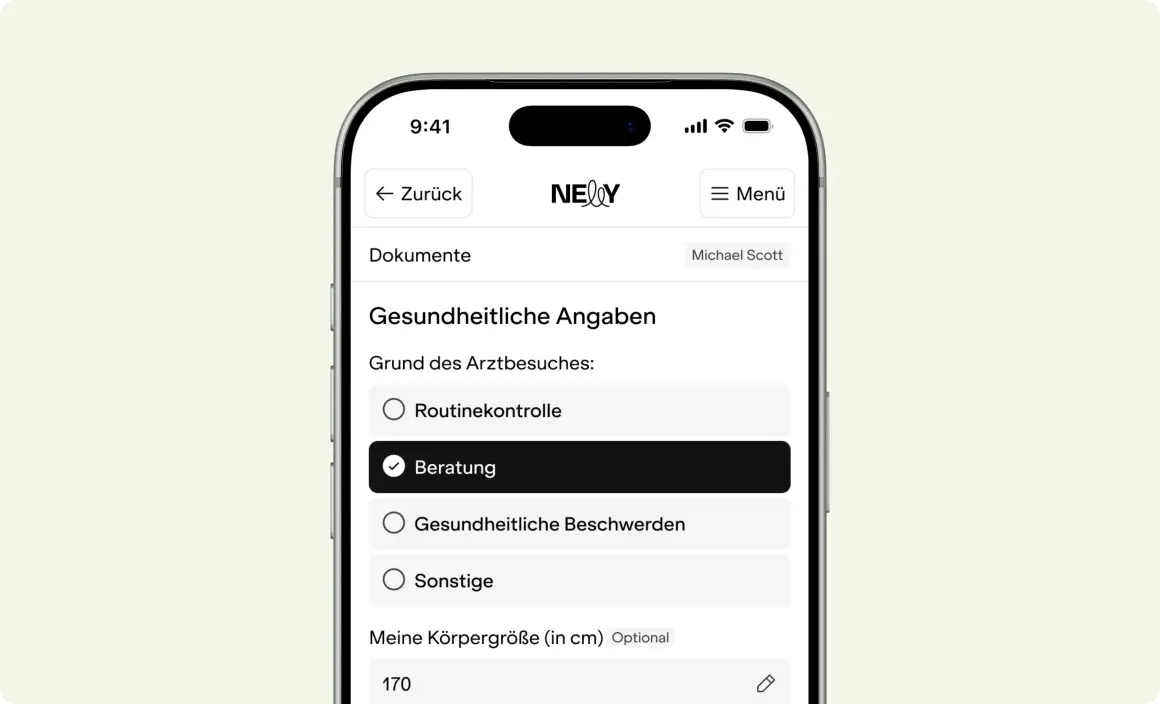
Patientenaufnahme

Digital patient intake now with photo upload

August 31, 2026

Patients can now upload their insurance card and other documents directly during the digital check-in process, instead of presenting them at the front desk. This saves your team time on data entry and reduces follow-up questions caused by missing paperwork.

  • Subject: all practices with online check-in
  • What you need to do: Enable the upload field once in your check-in settings

Note: Uploaded documents are currently limited to 10 MB per file. Please continue to send larger scans via email.

How to enable it

  1. Open Settings → Online Check-in
  2. Enable the "Document Upload" option
  3. Save – it will then be visible to patients

Want to know more?

Get all the details - completely free and with no obligation.

Let's talk